Automating Music Discovery With an LLM and yt-dlp
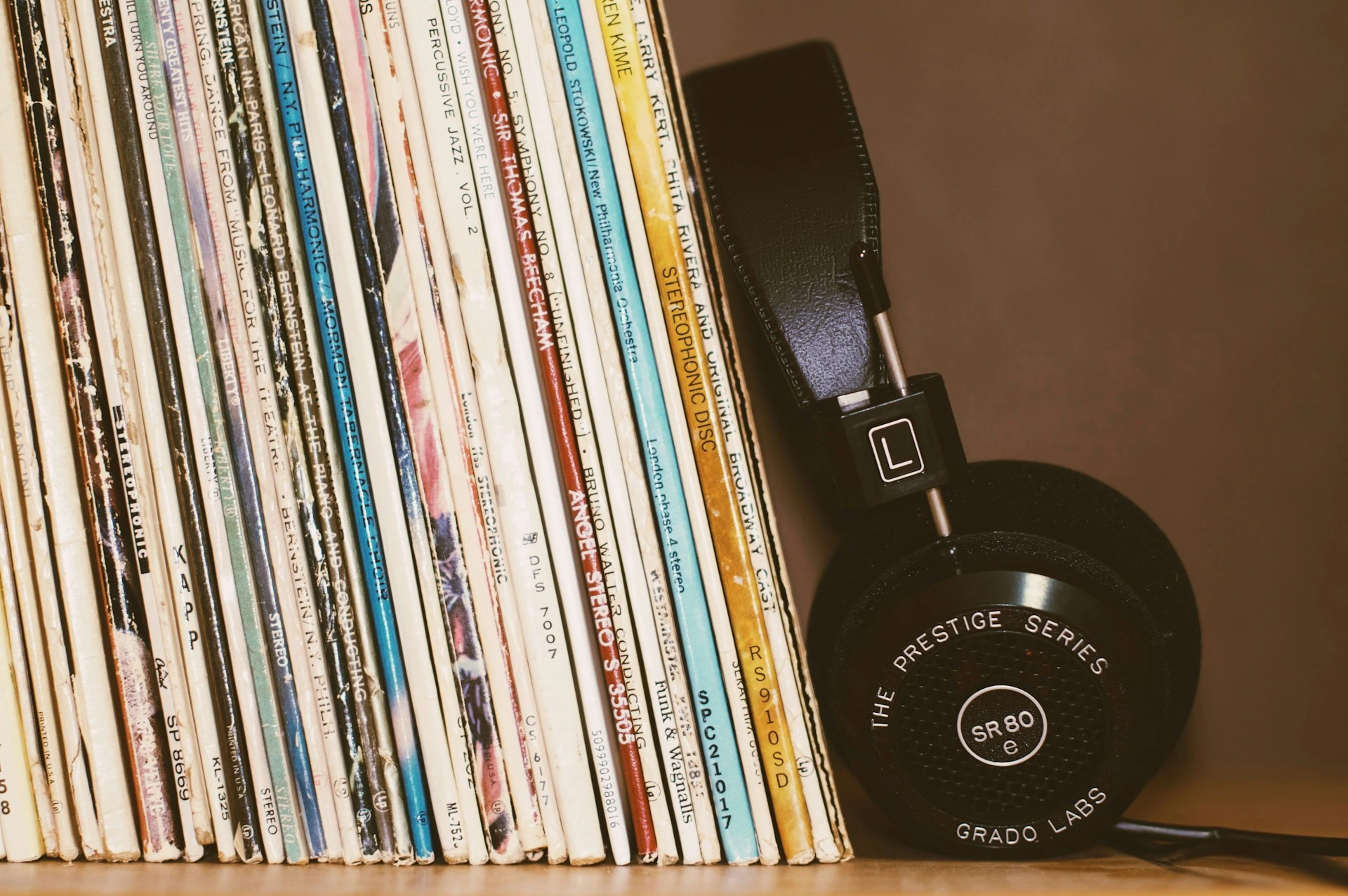
I wanted my favorite hobby to come with me
Music has been the one hobby that never left. It’s the thing I put real hours into, the soundtrack to everything else — and the part I love most is the hunt: turning up a track I’ve never heard and knowing, a few seconds in, that it’s a keeper.
I wanted that hunt to come with me — to happen on a walk, in the kitchen, on the train. The finding is the fun part; I just wanted it to travel.
It’s the same idea behind my local-first media diet: keep what I love about discovery — the surprise, the new favorite — drawn from my own library rather than an algorithm’s feed, and make it something I can carry.
And discovery, for me, was never only about brand-new songs. Half the joy is rediscovery — a track I wore out years ago and forgot, pulled back up because my own listening history is the input. More on that below.
So I automated it. The whole thing is four tools and one workflow:
What this solves
- Turns my entire Apple Music library into context for recommendations.
- Generates new tracks to try, based on everything I actually listen to.
- Downloads them in a batch with no URLs to copy.
- Lands the new tracks on a device I can carry, ready for a walk or a commute.
The rest of this post is how to rebuild it.
1. Export your library as XML
Open the Music app on Mac. Then:
File → Library → Export Library
That writes a single .xml file. If you only want one playlist instead of everything, use File → Library → Export Playlist and pick XML from the Format menu. This is documented in Apple’s own support pages.
On some versions of the Music app there’s also a toggle under Music → Settings → Advanced → Share Library XML with other applications that keeps an XML copy synced automatically. It’s there on some versions and missing on others, so if you don’t see it, the manual export is two clicks and works fine.
What you get back is the old iTunes Library XML format: a large plist with a top-level Tracks dictionary, keyed by track ID, where each track is its own dictionary of fields like Name, Artist, Album, and Play Count.
<key>Tracks</key>
<dict>
  <key>1234</key>
  <dict>
    <key>Name</key><string>Song Title</string>
    <key>Artist</key><string>Artist Name</string>
    <key>Play Count</key><integer>57</integer>
  </dict>
</dict>
That Play Count field matters more than it looks. It’s honest signal about what I actually listen to, not just what I added once and forgot. Weighting toward it later keeps the recommendations grounded in real taste.
2. Turn the XML into a clean list
The exported XML is verbose and noisy. You can hand the whole file to an LLM and ask it to extract the parts you care about:
Here is my exported Apple Music library XML. Extract every track as
Artist — Title, deduplicated, sorted by play count descending. Return plain text, one per line, no commentary.
There’s one real constraint here: the context window. A few hundred tracks is fine. A library of several thousand songs will overflow the window, and the model will quietly truncate or start inventing entries near the end. Two ways around it:
- Pre-filter at the export step. Export a single “most played” playlist instead of the entire library.
- Strip the XML down before pasting it in. Drop artwork, file paths, and everything except
Name,Artist, andPlay Count. That alone cuts the size by an order of magnitude.
If you’d rather not trust the model to parse XML at all, Python’s plistlib reads the file directly and is more reliable for the extraction step:
import plistlib

with open("Library.xml", "rb") as f:
    library = plistlib.load(f)

tracks = library["Tracks"].values()
ranked = sorted(tracks, key=lambda t: t.get("Play Count", 0), reverse=True)
lines = [f'{t.get("Artist", "?")} — {t["Name"]}' for t in ranked if "Name" in t]
print("\n".join(lines))
The real value of the LLM isn’t parsing. It’s the next step.
3. Ask for recommendations, with the whole library as context
This is the part that makes it more than a shuffle button. Instead of asking for songs like one track, I hand the model the full list and let it reason over my actual taste:
Here is my full listening history (
Artist — Title, sorted by play count). For each of my top 20 tracks, recommend 3 songs I probably don’t own but would likely enjoy, in the sameArtist — Titleformat. Avoid anything already in the list. Return plain text only.
Now the model is pattern-matching across the whole library rather than a single seed. And the output is one flat list of Artist — Title lines, which happens to be exactly what the downloader wants in the next step.
4. Batch download with yt-dlp
This is the step that removes the last bit of manual work. I never paste a single URL. The ytsearch: prefix lets yt-dlp search and grab the top result for a query string.
yt-dlp -x --audio-format mp3 "ytsearch1:Artist Title"
ytsearch1:takes the first search result. Useytsearch3:to grab the top three.-xextracts audio only.--audio-format mp3transcodes to mp3, which needsffmpeginstalled.
To run the whole recommendation list at once, hand it to yt-dlp as an input file with -a (--batch-file) instead of looping in the shell. Each line in the file is treated as its own input, so prefix every line with ytsearch1: to make yt-dlp search for it:
# Save the recommendations as songs.txt (one "Artist — Title" per line),
# then turn each line into a search query:
sed 's/^/ytsearch1:/' songs.txt > queries.txt

# Download them all in one pass:
yt-dlp -x --audio-format mp3 -o "%(title)s.%(ext)s" -a queries.txt
-a reads one query per line and skips blank lines and # comments. It’s cleaner than a shell loop and lets yt-dlp manage the queue and retries itself.
A few things worth knowing before you run it:
- Install
ffmpegfirst, or-xfails. ytsearch1trusts the top result blindly. Occasionally you’ll get a live version, a cover, or a bloated “mix.” That’s the cost of zero clicks. If you’re picky, pullytsearch3and skim.- This is for personal listening and trying-before-buying, the same as the old preview-then-purchase loop.
Verify the grab before you transcode
ytsearch1 is honest about being blind: it returns the top result, whatever that is — sometimes a ten-minute “mix,” a live cut, or a sped-up edit. Before committing to a batch transcode, do a dry run that just prints what each query would resolve to:
# Print the title + duration each query resolves to, without downloading:
yt-dlp --print "%(title)s — %(duration_string)s" -a queries.txt
Scan that for the obvious junk. You can also let yt-dlp drop the worst offenders automatically — for example, skip anything over ten minutes, which is almost always a mix rather than a song:
yt-dlp -x --audio-format mp3 --match-filter "duration < 600" -o "%(title)s.%(ext)s" -a queries.txt
It won’t catch a wrong cover, but it kills the most common bad grabs before they ever reach your phone.
This is the same yt-dlp workflow I lean on elsewhere in my self-hosting setup, just pointed at discovery instead of archiving.
Music discovery, day to day
Here’s where I lean all the way into the point: the folder doesn’t go on my phone. It goes on an old iPod — no internet, no feeds, no notifications, nothing it can do but play music.
I prepare a batch ahead of time, load it on, and that’s the whole queue: new tracks to try, with nothing competing for my attention while I try them. I audition them while walking, cooking, or commuting.
Four tools. One workflow. A device that can only play music.
A few tracks it actually surfaced
A pipeline stays abstract until it puts something in your ears. A few this one turned up for me:
- Группа крови — Kino — the title track of Kino’s 1988 album; Soviet post-punk an English-first recommender would never surface.
- Tiburón — Proyecto Uno — Dominican merengue-house; pure dancefloor serendipity from a corner of music I’d never browse on my own.
- He’s the Greatest Dancer — Sister Sledge — 1979 disco written by Chic; the kind of classic that feeding my own library back keeps pulling up.
- Blue Monday — New Order — New Order’s synth-pop landmark, and one of the best-selling 12-inch singles ever.
- Hot Stuff — Donna Summer — Donna Summer’s 1979 disco-rock crossover (the long 12-inch cut).
Not every suggestion lands. It doesn’t have to — the cost of a miss is one skipped track, and the cost of a hit is a song I’ll keep for years.
Discovery is also rediscovery
The best surprise often wasn’t a new artist at all. Because the input is my own listening history, the model keeps resurfacing songs I loved once and quietly buried — a track worn out years ago, now sitting under a thousand newer plays. Feeding my library back to myself turned out to be a rediscovery engine as much as a discovery one. A song you forgot you loved is still a recommendation worth getting.
The noise is part of the point
This is the part I’m least sure how people will take, so I’ll just say it plainly: the mess in this pipeline is a feature.
Two things inject randomness. First, the LLM sometimes hallucinates — it invents an artist, mangles a title, or pairs a real artist with a song they never recorded. Then yt-dlp’s ytsearch1 takes that flawed query and deterministically returns the top result anyway — whatever real thing exists closest to what was asked. So a hallucinated query doesn’t error out; it resolves to something real and adjacent that I never would have typed.
Traditional recommenders are built to remove that noise — to converge on the safe, the similar, the already-popular. This pipeline does the opposite. The hallucinate-then-blindly-search loop nudges me sideways, into artists and corners that no clean “people who liked this also liked” path would ever route me to. Some of it is junk. Some of it is the most genuinely new music I’ve found in years — precisely because no well-behaved algorithm would have served it.
I’m not arguing noise is always good. I’m arguing that for discovery specifically — as opposed to “play me something safe” — a little controlled randomness is the entire point.
So why not just use the official tools?
Fair question. Spotify’s AI DJ, Apple Music’s autoplay, and Last.fm all do recommendation better than I can in most respects. I still run this pipeline because of a few specific tradeoffs:
| This LLM pipeline | Streaming CF (Spotify/Apple) | Last.fm | |
|---|---|---|---|
| Legibility (read/edit the logic?) | High — it’s a prompt and a text list | None — opaque latent vectors | Low |
| World signal (“others who liked this…”) | None — only my own library | Strong — millions of listeners | Strong — scrobble graph |
| Serendipity / off-path finds | High (the “noise” above) | Low — converges on the safe | Medium |
| Hallucination risk | Real — invents tracks | None | None |
| Effort | Setup + tinkering | Zero | Low |
| Data ownership | Total — runs on my machine | None | Partial |
The honest read: a streaming recommender wins “play me something I’ll probably like right now.” Mine wins on the axes I actually care about for discovery — legibility, ownership, and sideways finds.
I’m not sure an LLM is the right recommender
I want to be honest about the weakest part of this.
I’m not convinced an LLM is actually the best way to generate music recommendations. The research is still early and ambivalent. The one clear advantage is that an LLM’s taste profile is legible: you can read it, argue with it, and edit it, unlike the opaque latent vectors that collaborative filtering relies on — broadly how services like Spotify and Apple Music personalize (RecSys 2025). One agent-based study even reports user-satisfaction rates near 89%, though that’s a single small preprint, so I’d treat it as a direction, not a result (arXiv).
The same research is blunt about the downsides. LLMs hallucinate tracks that don’t exist — which, as I said above, I’ve half-learned to enjoy, but it’s still a real failure mode the moment you actually wanted accuracy. They’re oddly sensitive to the order you feed the list in. And they carry genre biases, over- or under-rating whole genres regardless of your real taste (RecSys 2025).
Meanwhile, the thing my pipeline throws away is exactly what collaborative filtering is good at: the “people who listen to this also listen to that” signal from millions of other listeners. My setup sees my library deeply and the rest of the world not at all. Spotify sees the world but not why I love a track. The right answer is probably a hybrid, and I just haven’t built it yet.
If you’ve found a better approach, or built something similar, I’d genuinely like to hear it. I’m always looking to improve the pipeline.
FAQ
Will the LLM invent songs that don’t exist?
Yes, sometimes — it hallucinates artists and titles. In this pipeline that’s only a soft failure: yt-dlp searches the (possibly wrong) query and returns the closest real result, so you get something adjacent rather than an error. If you want accuracy over serendipity, pull ytsearch3 and skim, or print titles before downloading (see “Verify the grab before you transcode”).
How big a library can I feed the LLM?
A few hundred tracks fit comfortably in context. Past that, the model truncates or invents entries near the end, so pre-filter to a “most played” export or strip the XML down to Name, Artist, and Play Count first (see step 2).
Why yt-dlp instead of a streaming API? yt-dlp needs no API key, no account, and no per-call quota, and it turns a plain text list into audio files with one command. The tradeoff is the search blindness covered above.